
Access and automate the web faster with cmdOS
Product DNA: Simple • Insanely Fast ⚡ • Keyboard-first
Fastest way to accesseverything
Smart Notes, Snippets & Links.
Capture ideas, save reusable text or code snippets, and keep your most-used links ready to open from anywhere in your browser.
Smart Workspace
Notes, reusable snippets and important links in one place.
Product launch ideas
- • Draft press release and social updates
- • Finalize landing-page copy
- • Review onboarding screenshots
Hotkeys, Commands & Bookmark Search.
Create reusable browser commands, assign keyboard shortcuts, and find any bookmark without digging through folders or browser menus.
Command Center
Search commands, bookmarks and browser actions from one keyboard-first interface.
Create Note
Save a new note
Search All AI
Ask multiple AI models
Create Link
Save the current page
Search Tabs
Find an open browser tab
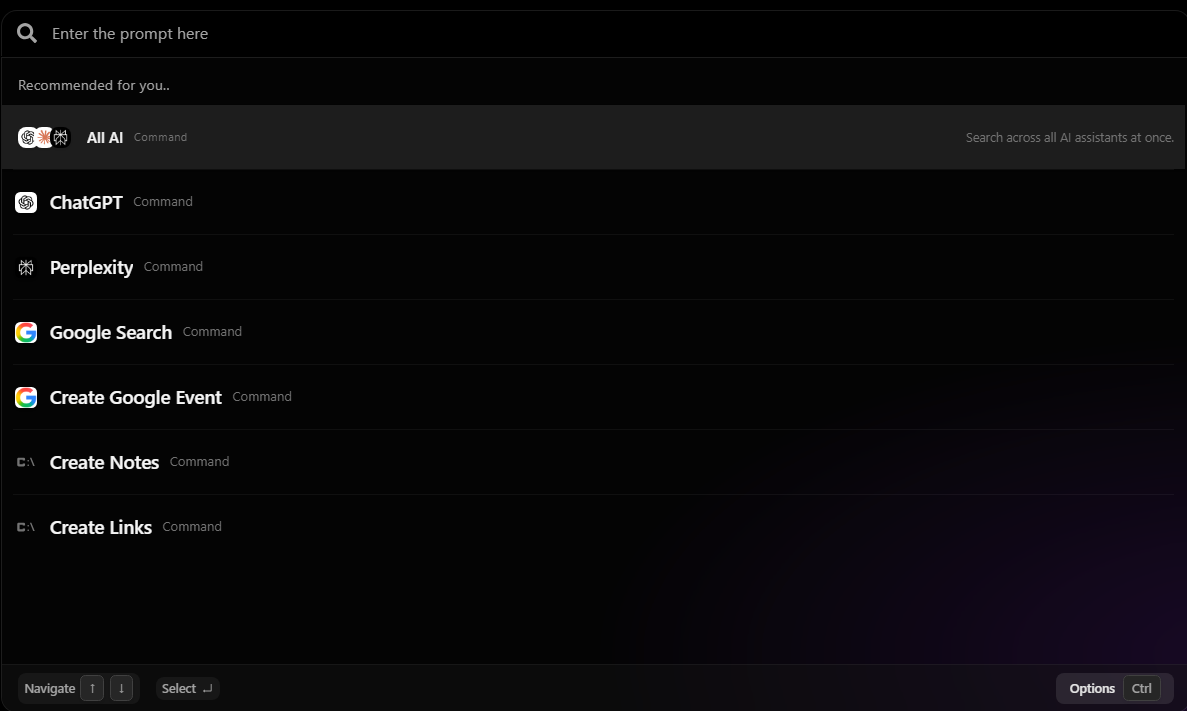
AI & search OS.
Query multiple AI models, search the web, and launch cmdOS commands from one unified keyboard-first interface.
AI & search OS
Ask multiple models or launch any cmdOS command from one fast search experience.
Automate repetitive browser work.
Build reusable browser routines for recurring work and run them manually, with a shortcut, or on a schedule.
Automation Runner
Build and run reusable browser workflows.
Morning workspace
Open Gmail
Open inbox in a new tab
Open Slack
Open the main workspace
Open today’s task list
Load incomplete tasks
Create a daily planning note
Use the daily planning template
Access 100s of browser commands from one search interface.
All-in-one command toolkit
Feature Integrations
Access all your Favorite tools through a single unified interface.
It takes 4 things to get work done in web.
Commands Shortcuts
Routines Automations
Memory / Data
Teams Share
Built for speed⚡
Time to open your daily morning routine: 3 news sites, Gmail, slack, To-do list.
40.8s
VS
1.2s
with cmdOS