SuperCommands vs Toby: Free Unlimited, Open-Source Toby Alternative for Chrome
Compare SuperCommands with Toby for saving tabs, organizing browser work, command search, local-first storage, open-source access, and pricing.
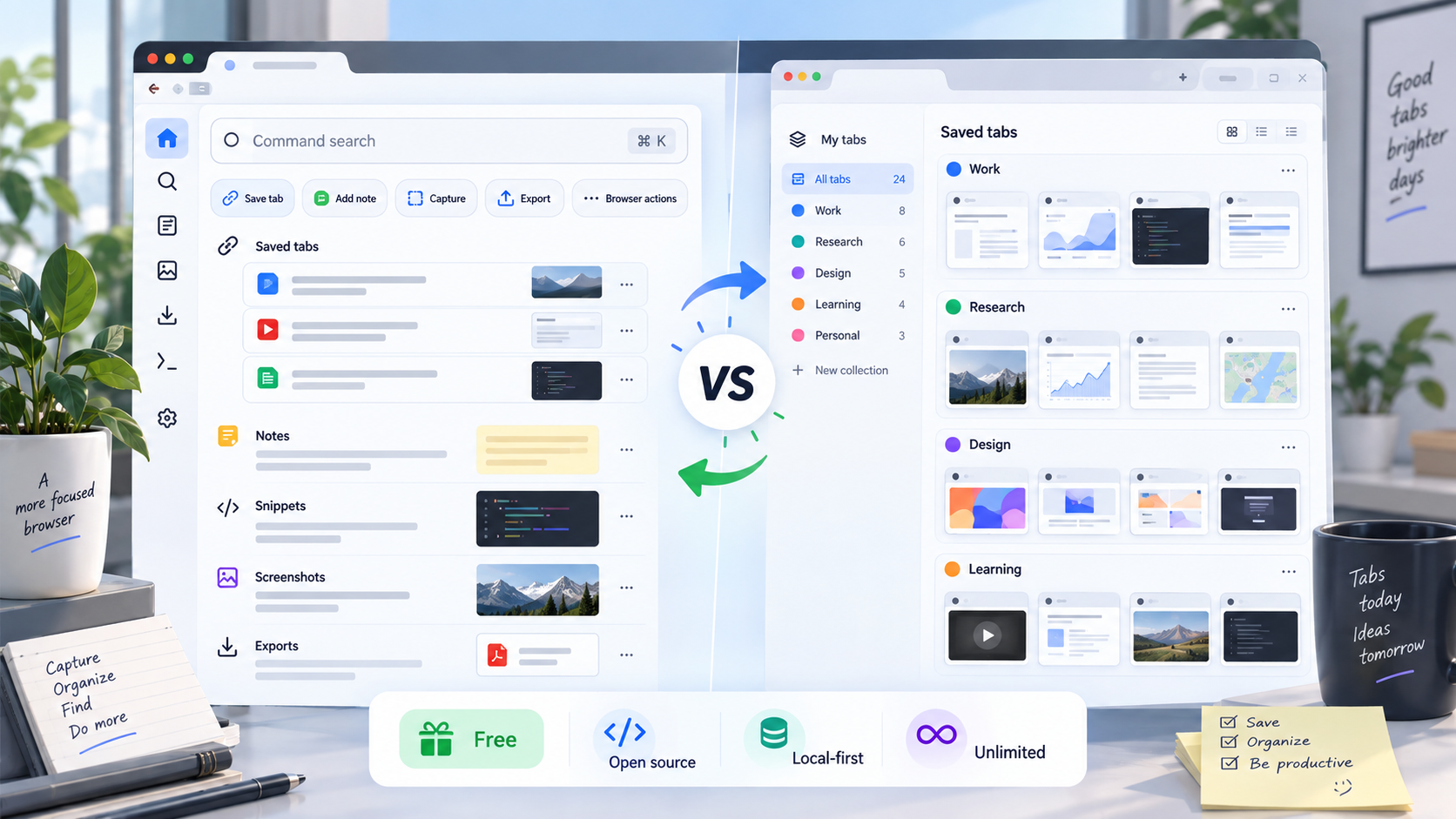
Toby is a polished tab workspace. It turns your new tab page into visual collections, with sync, spaces, search, notes, and team-friendly organization.
SuperCommands takes a different route. It is a free, open-source Chrome command workspace for links, sessions, notes, snippets, commands, and browser actions.
The real choice is simple: do you want a visual tab board, or a faster command center that keeps saved browser work close?
TL;DR
Cheapest: SuperCommands, free and open-source.
Best visual board: Toby, new-tab collections.
Best command workflow: SuperCommands, Alt + S command bar.
Best for paid sync: Toby, cloud workspace plans.
SuperCommands vs Toby
Toby is a visual tab workspace. SuperCommands is a free command center for links, sessions, notes, snippets, prompts, shortcuts, screenshots, exports, and browser commands.
If your work is mostly saved tabs, Toby fits. If your browser work is broader, SuperCommands gives you more from one searchable surface.
| Feature | SuperCommands | Toby |
|---|---|---|
| Main workflow | Command center | Visual tab board |
| Tab saving | Sessions and links | Collections and spaces |
| Search style | Command search | Instant collection search |
| Storage model | Local-first core | Cloud-synced workspace |
| Account needed | No for core | Yes for sync |
| Open source | Yes, Apache-2.0 | No public source |
| Browser actions | Built-in commands | Tab organization first |
| Notes | Saved note objects | Workspace notepad |
| Shortcuts | Keyboard commands | Toby Links |
| Best fit | Power browser work | Visual tab cleanup |
Pricing Comparison
Toby's free Starter plan is useful for light tab saving, but it caps saved tabs at 60. If you want unlimited saved tabs, advanced search, or duplicate removal, Toby moves you into a paid plan.
SuperCommands is different because the core browser workflow stays free: links, sessions, notes, snippets, shortcuts, screenshots, exports, and commands. That makes the pricing decision less about a feature checklist and more about whether you want a paid visual tab workspace or a free command-first browser system.
| Plan | SuperCommands | Toby |
|---|---|---|
| Free plan | Free, unlimited | Free, 60 saved tabs |
| Individual paid | Not needed | $6/month monthly |
| Annual paid | Not needed | $4.50/month yearly |
| Team paid | Free core | $10/month monthly |
Key Takeaways
Toby is the better pick if you want a visual new-tab dashboard for saved tabs, collections, and shared workspaces.
SuperCommands wins if you want a free, unlimited, open-source command center for browser work.
Toby is built around returning to saved pages. SuperCommands is built around saving, finding, launching, inserting, capturing, and exporting from one surface.
If your workflow is more than tab cleanup, SuperCommands is the cleaner Toby alternative for Chrome.